

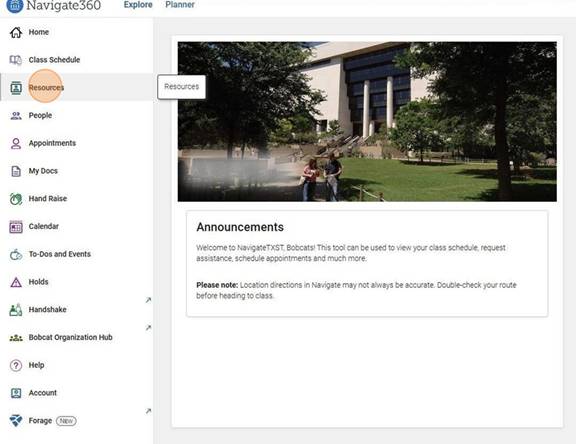
In your NavigateTXST app, click on the “Resources” tab on the left-hand side.
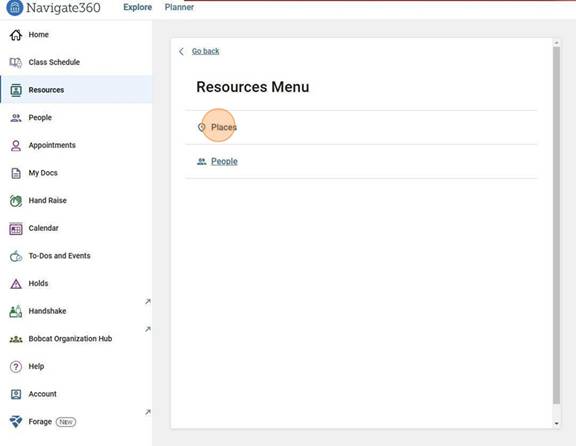
To see different campus resources, click on “Places." To see a list of your current instructors, click on “People.”
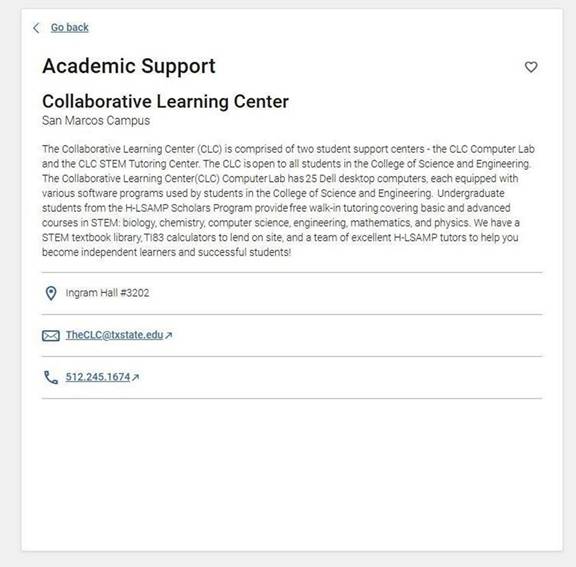
When you click into a specific resource, you will see information about what the resource or support service is and how you can get in touch.